
Stickers you print yourself
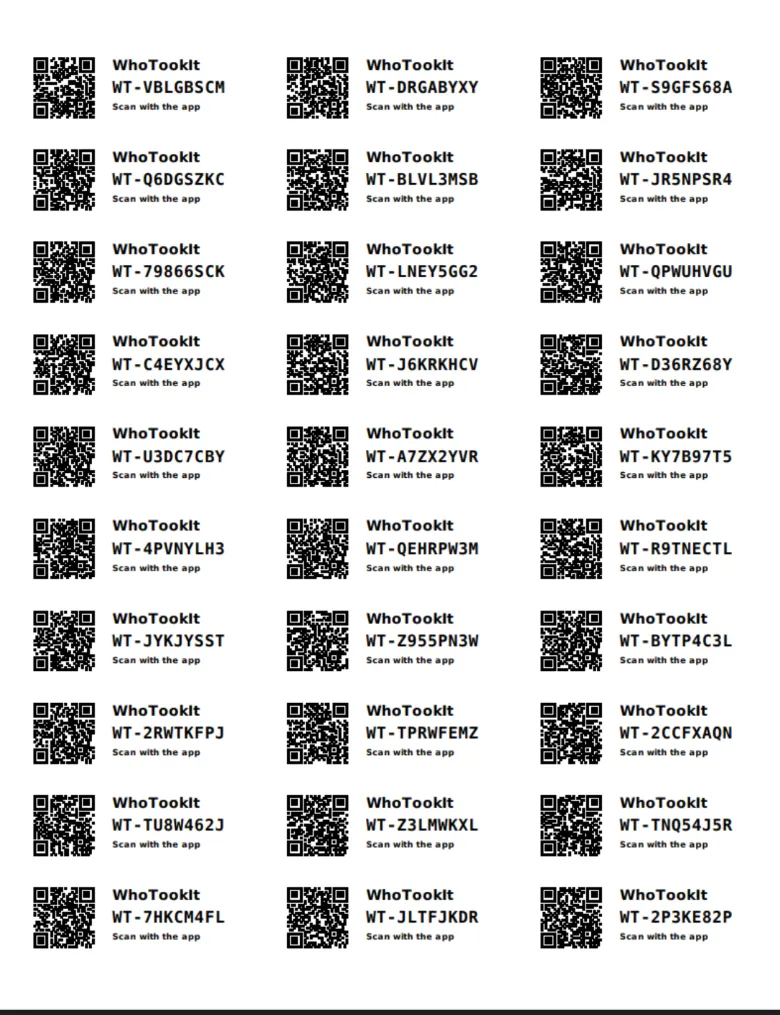
Print QR labels on ordinary Avery sheets. Scan one with any phone camera and the item opens, with Check Out right there.
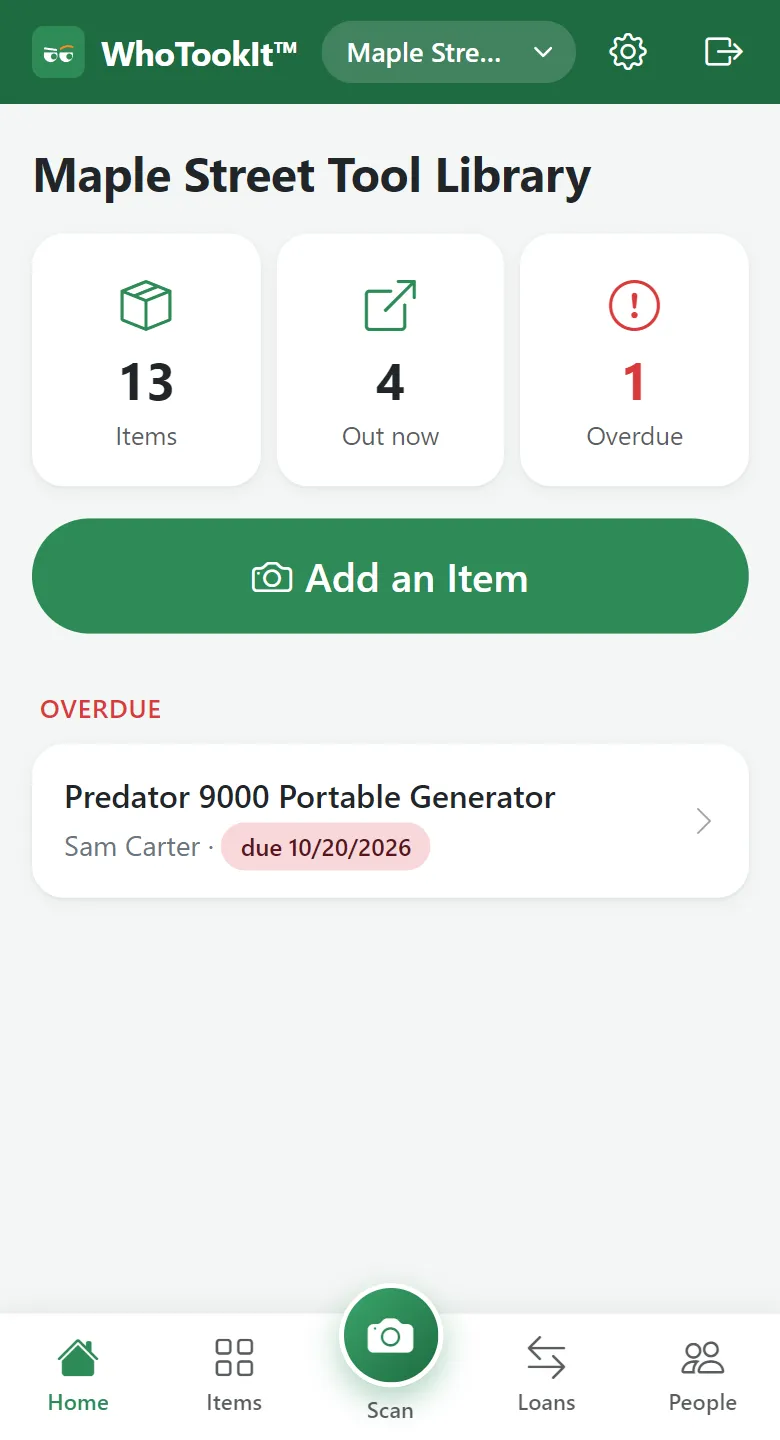
Photograph or scan what your group owns, lend it in two taps, and get a reminder when it's due. For tool clubs, churches, schools, shops, and families who are tired of asking “who has the ladder?”
Free for small groups · no card needed · works in any phone or computer browser
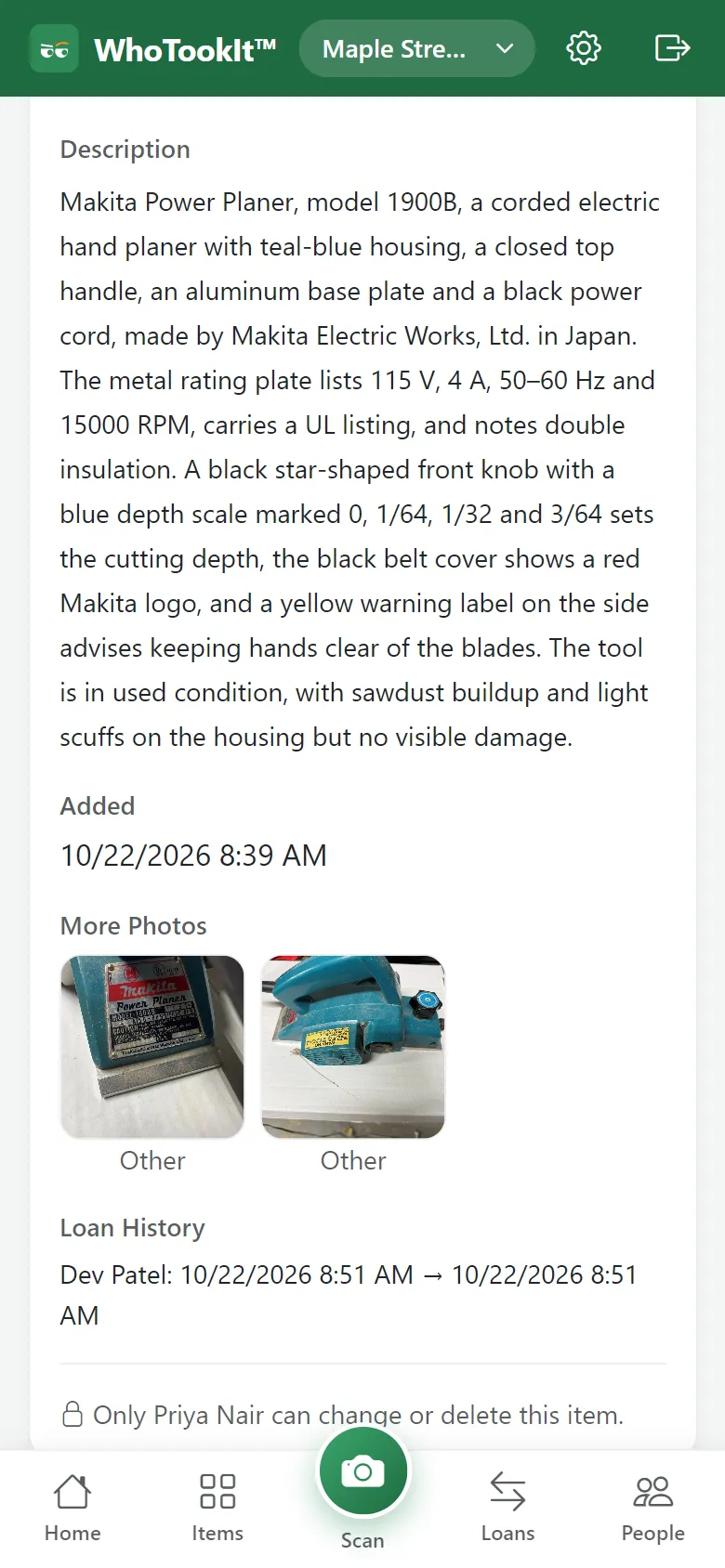
Take a photo (or several) and the app names the item, reads the label or barcode, and writes the description. You check it and save. No typing a serial number.
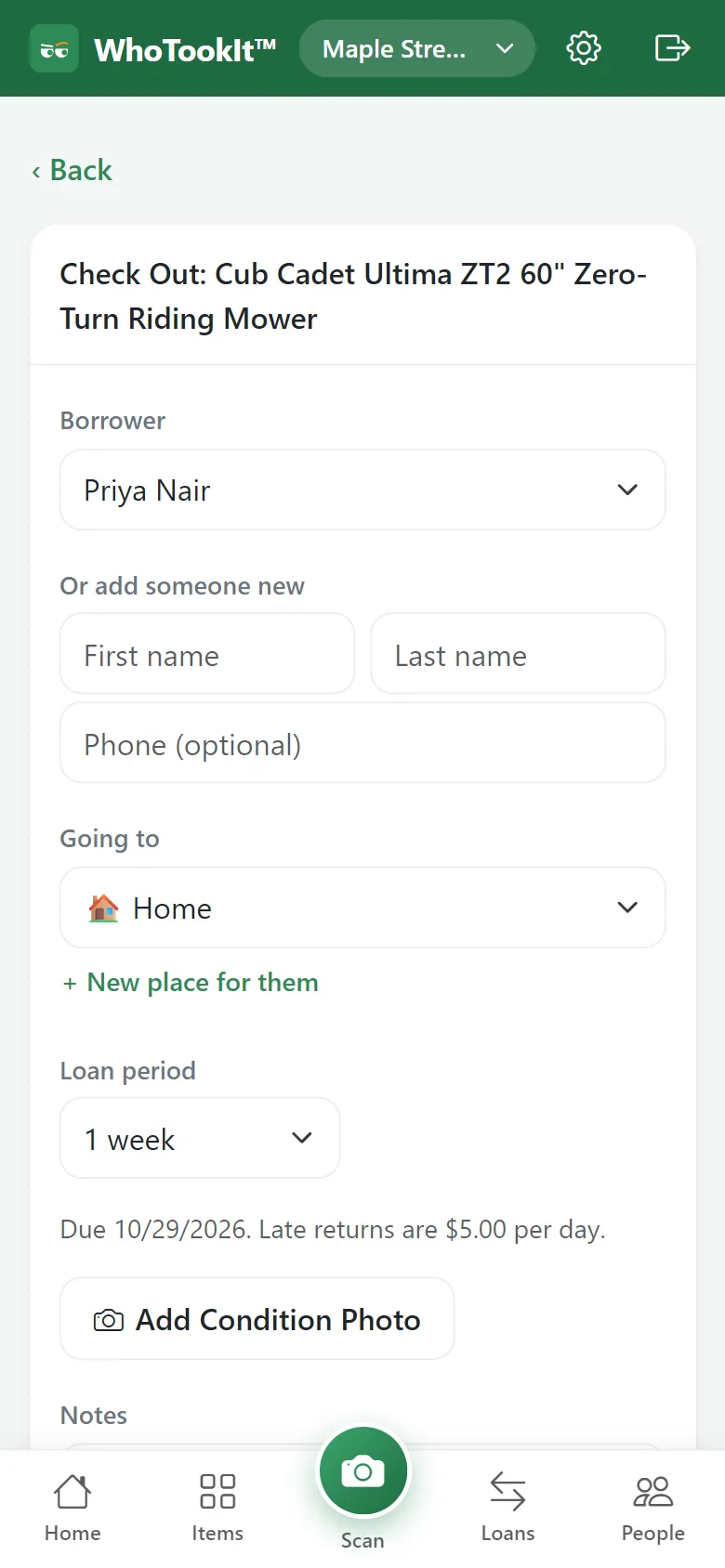
Pick who's borrowing and when it's due – the group's usual period is already filled in. The item moves to their place, and its owner can be told.
Borrowers get an email the day before it's due, and again if it's late (texts too, on the paid plans). You see what's out and what's overdue at a glance – no chasing.
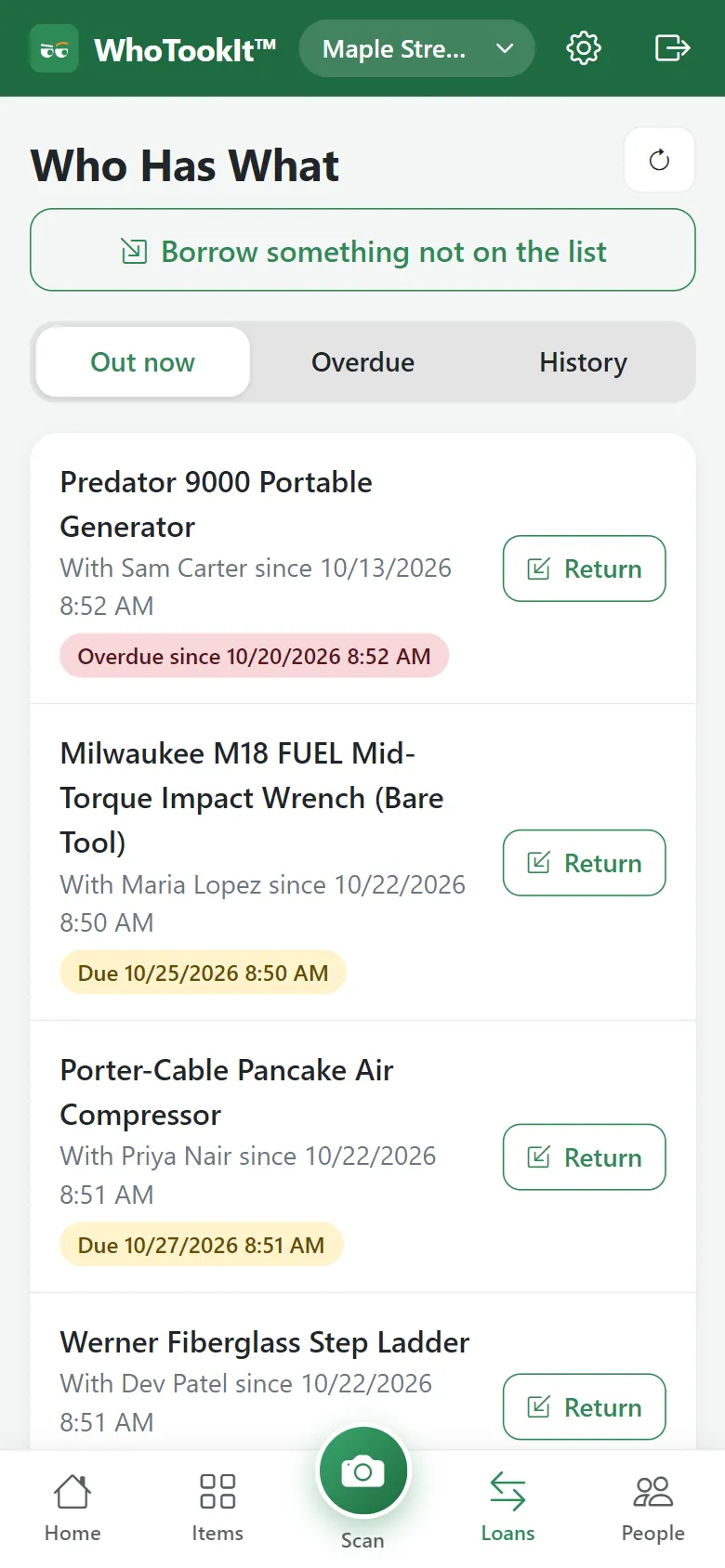
Mark it returned and it goes back where it belongs. The history stays, so you always know who had what and when.
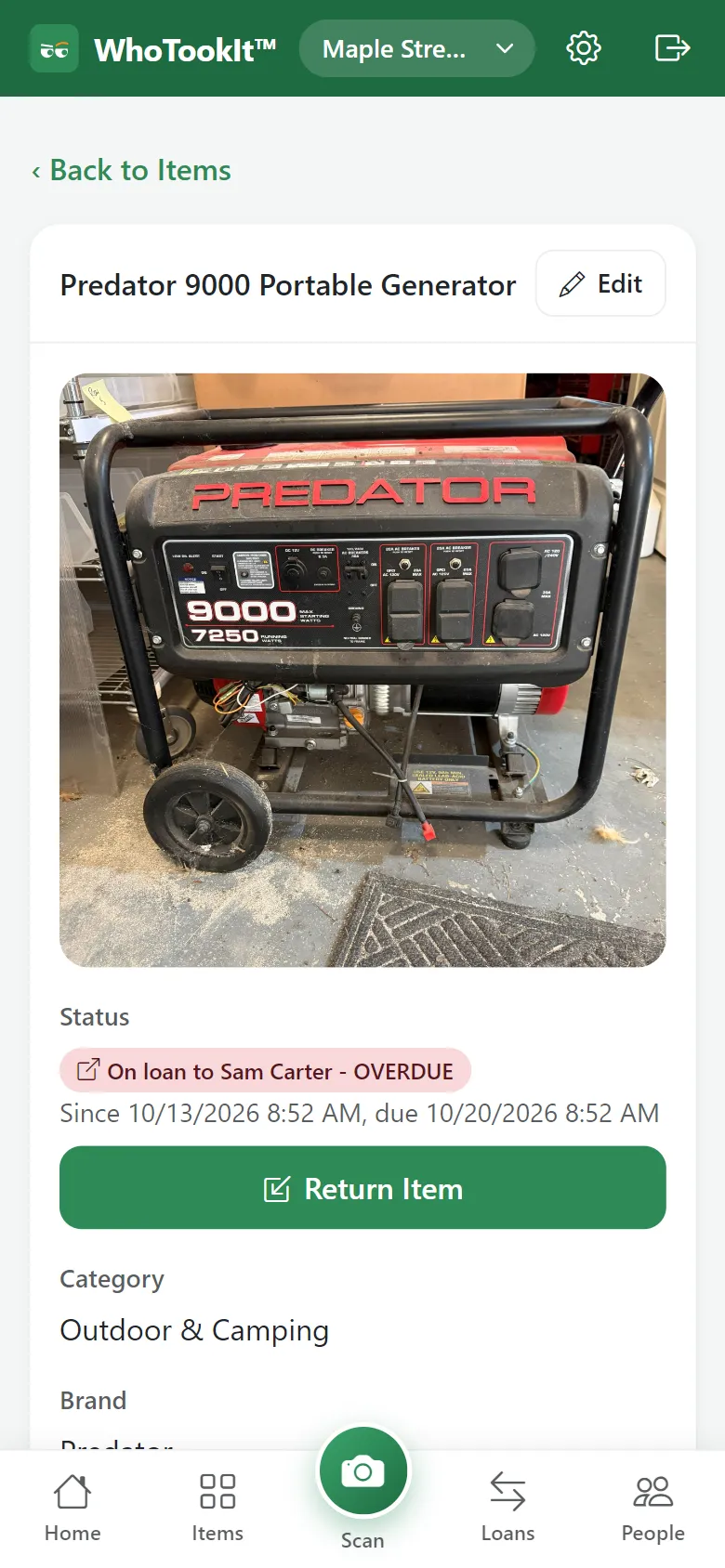
Print QR labels on ordinary Avery sheets. Scan one with any phone camera and the item opens, with Check Out right there.
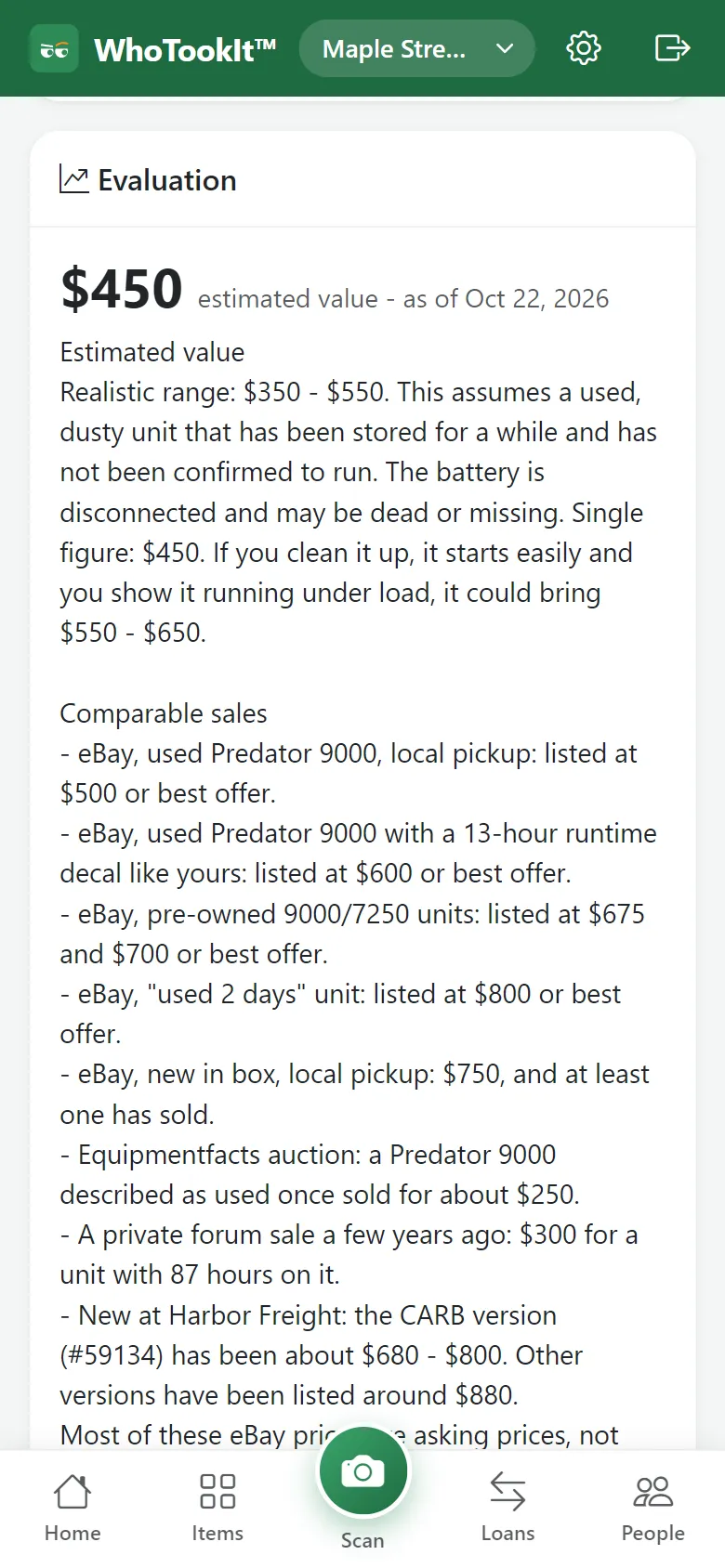
One tap estimates an item's value from current listings and sold prices, with the sources it looked at – useful for insurance, selling, or deciding what to replace.
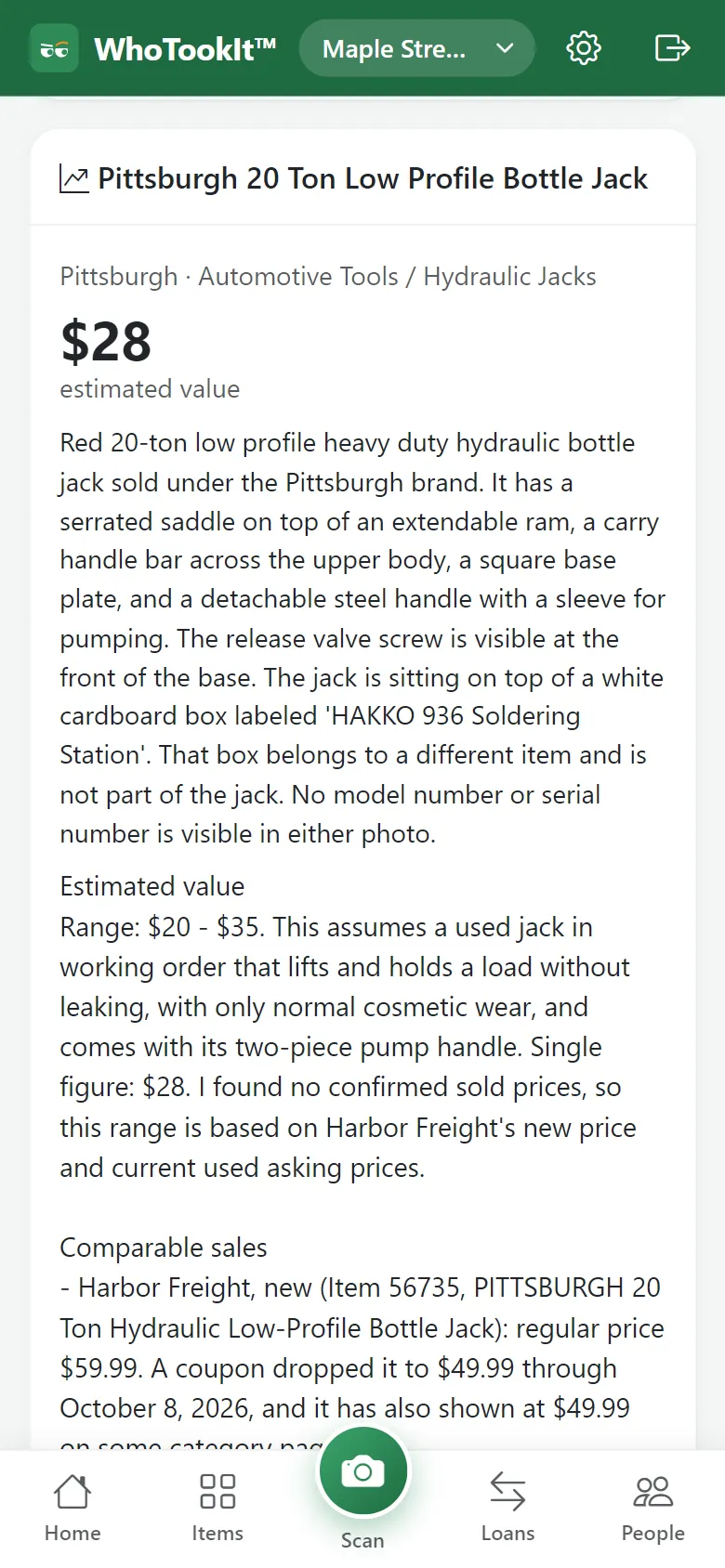
Photograph anything – at a yard sale, in the attic – and see what it is and what it's worth. Nothing is saved.
Per group. Start free; upgrade when you outgrow it. Cancel any time, and get a full refund within 14 days of any charge.
$0
Most groups
$5.99/month
or $59 a year
$34.99/month
or $349 a year
Need more in a month? Extra packs: 25 AI photo reads $2.99 · 10 value estimates $4.99 · 100 texts $3.49 · 10 quick appraisals $6.99. Packs never expire. Prices in US dollars; taxes are added at checkout where they apply.
Only the people in your group. Items an owner marks private are visible to that owner alone. Nobody outside the group can see your list.
The photos you ask it to read, and the item's description when you ask for a value estimate, are sent to Anthropic's Claude to identify and appraise the item. The privacy policy has the details.
It works in the browser on any phone or computer, and you can install it to your home screen or desktop from there (step-by-step). An Android app is in testing.
It sometimes will – a title, a model number. Everything it fills in is a suggestion you check and edit before saving.
Any time, in Settings under Plan. Your plan stays until the end of the period you paid for. Ask within 14 days of any charge and you get a full refund. Cancelling never deletes your items; the group moves to Free.